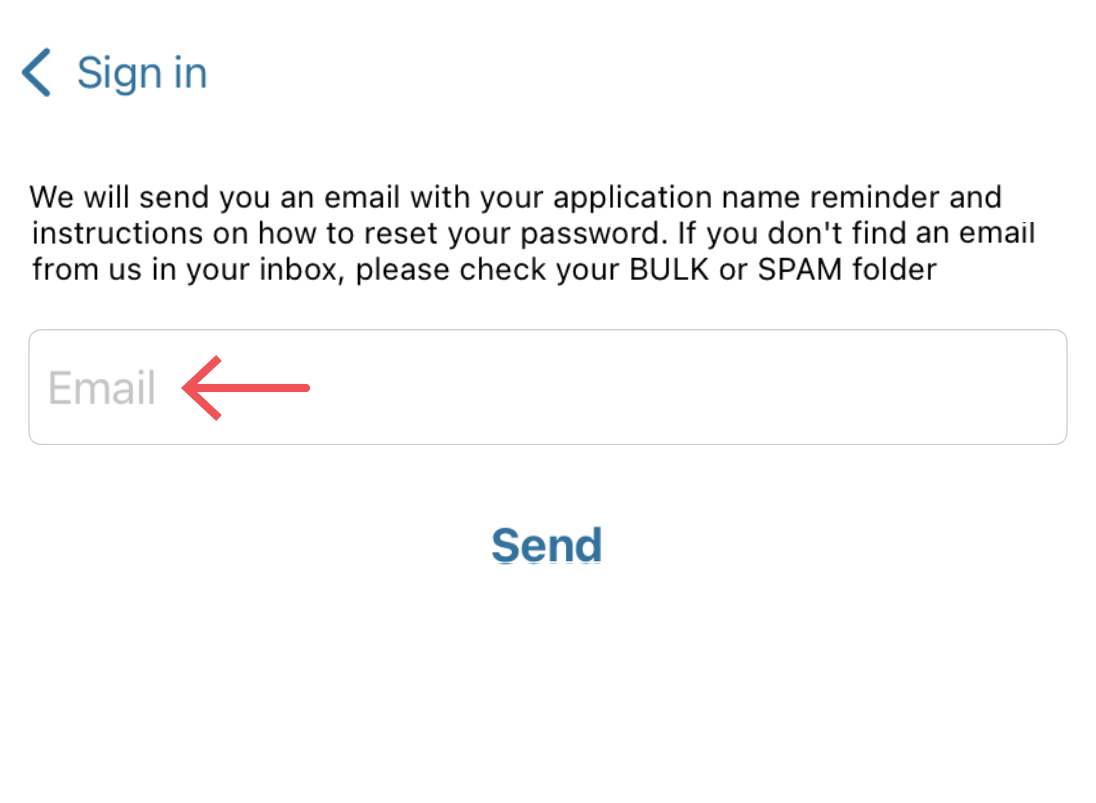
- Please download the mobile app from an app store and install it.
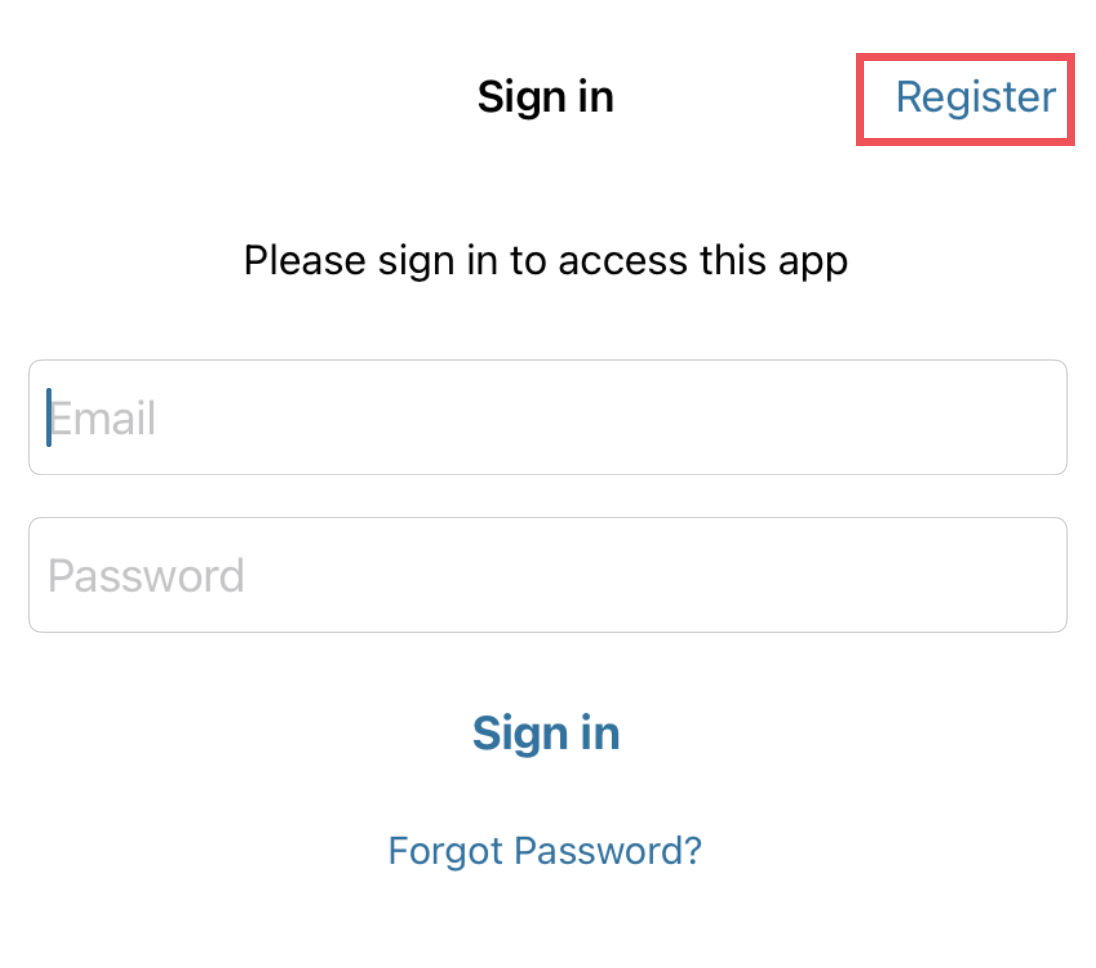
- Launch the app and tap “Register” in the upper right corner of the app screen
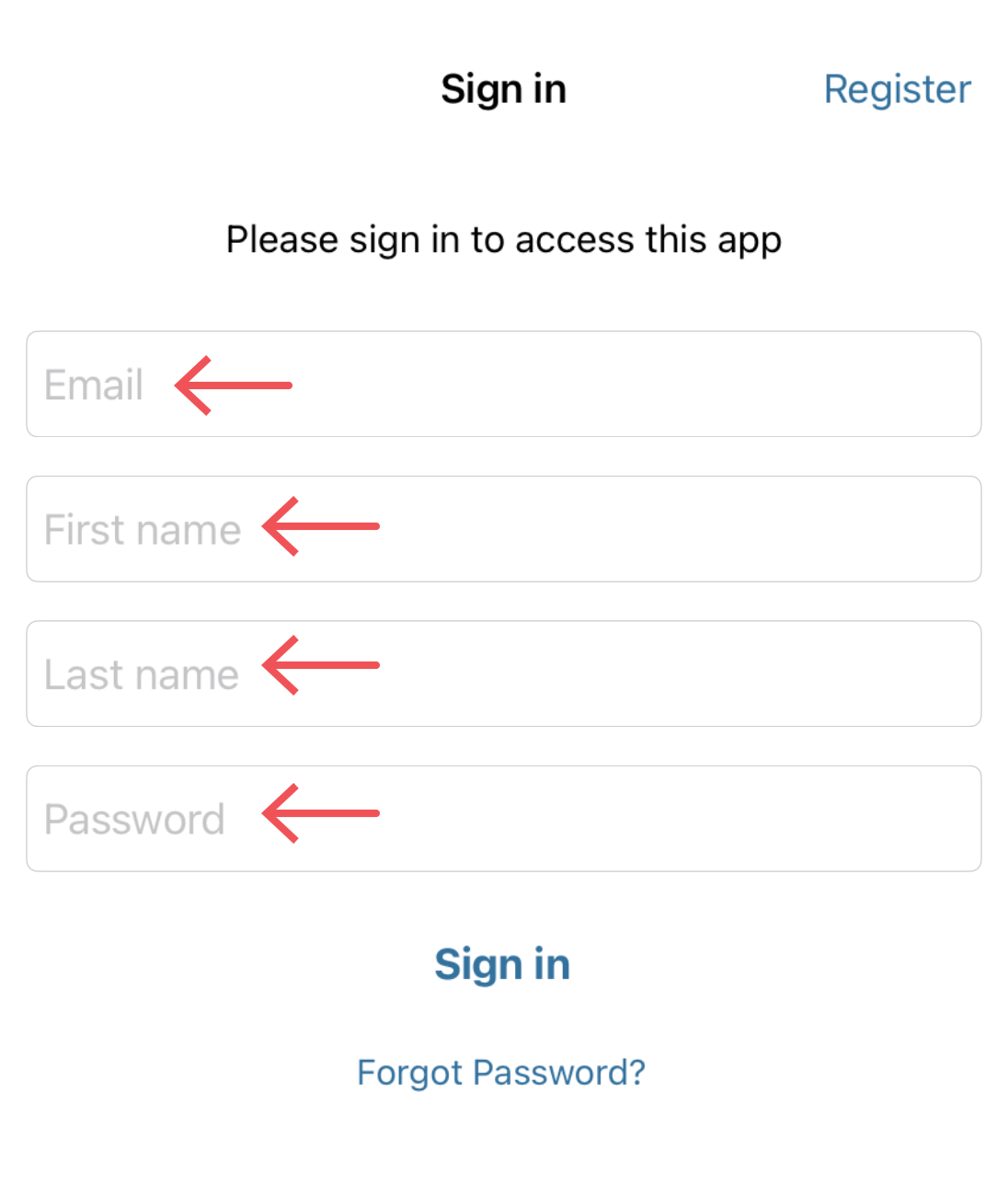
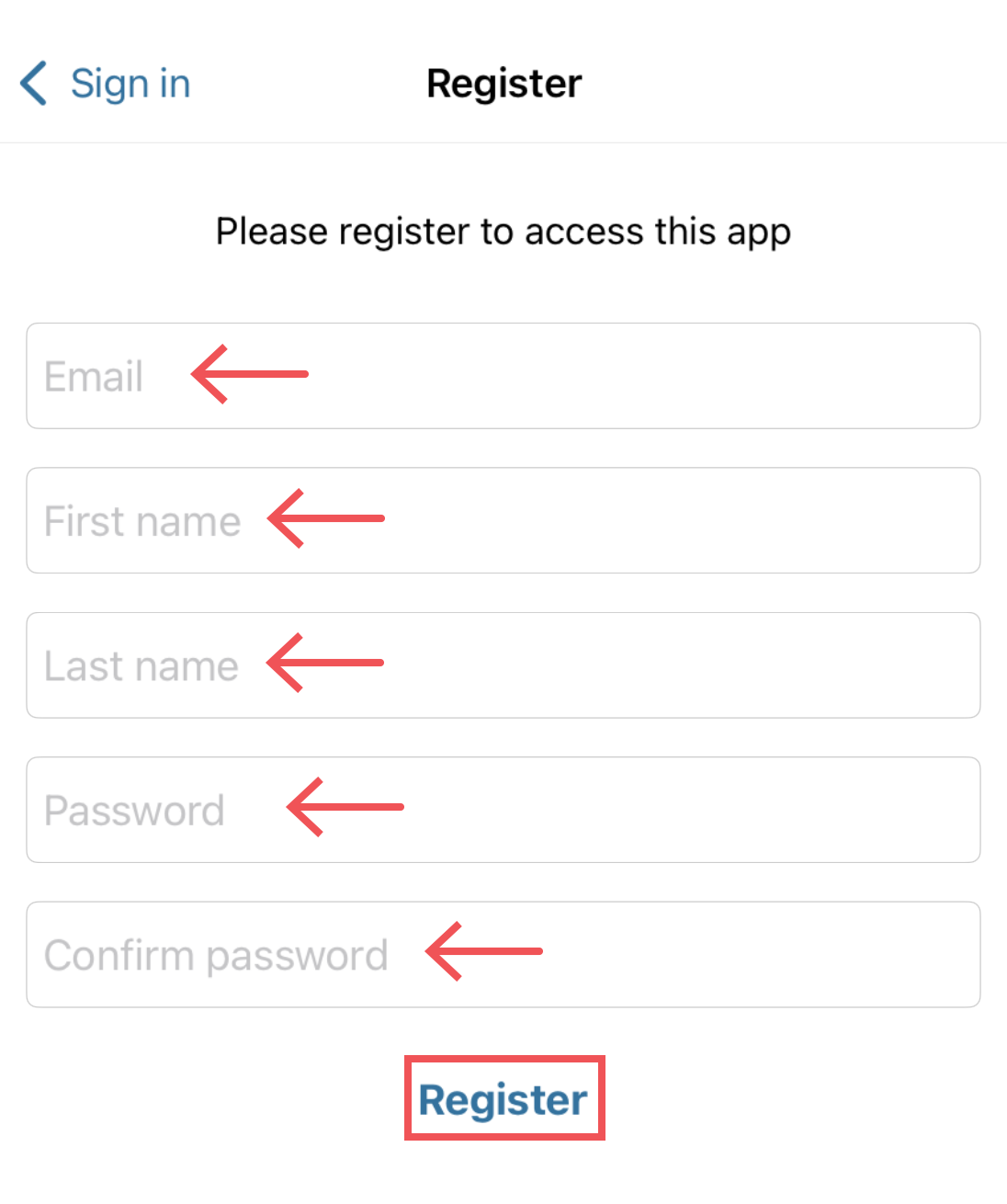
- Fill in the registration form* and tap the “Register” button under the form
- Check your email account for a confirmation message and follow the instructions to confirm your email address.
- Restart the mobile app and sign in.
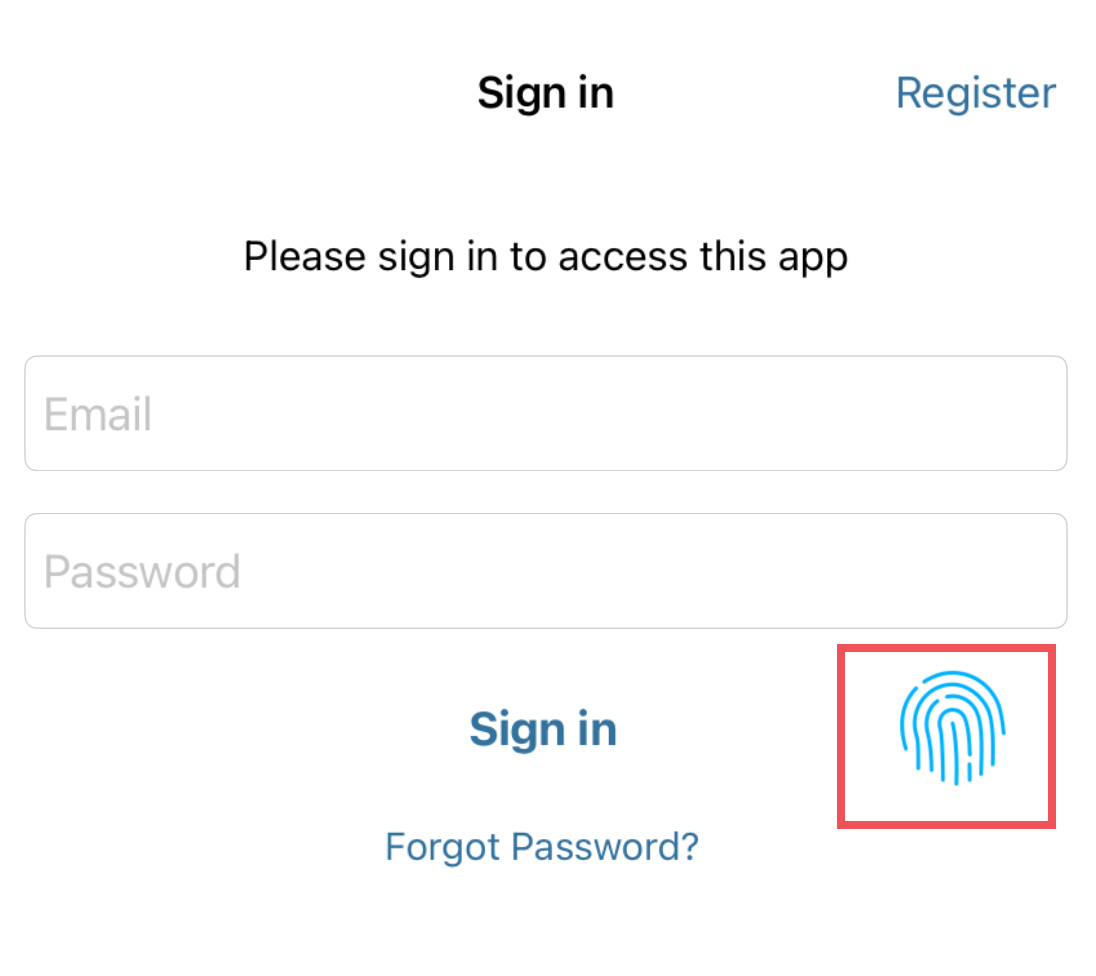
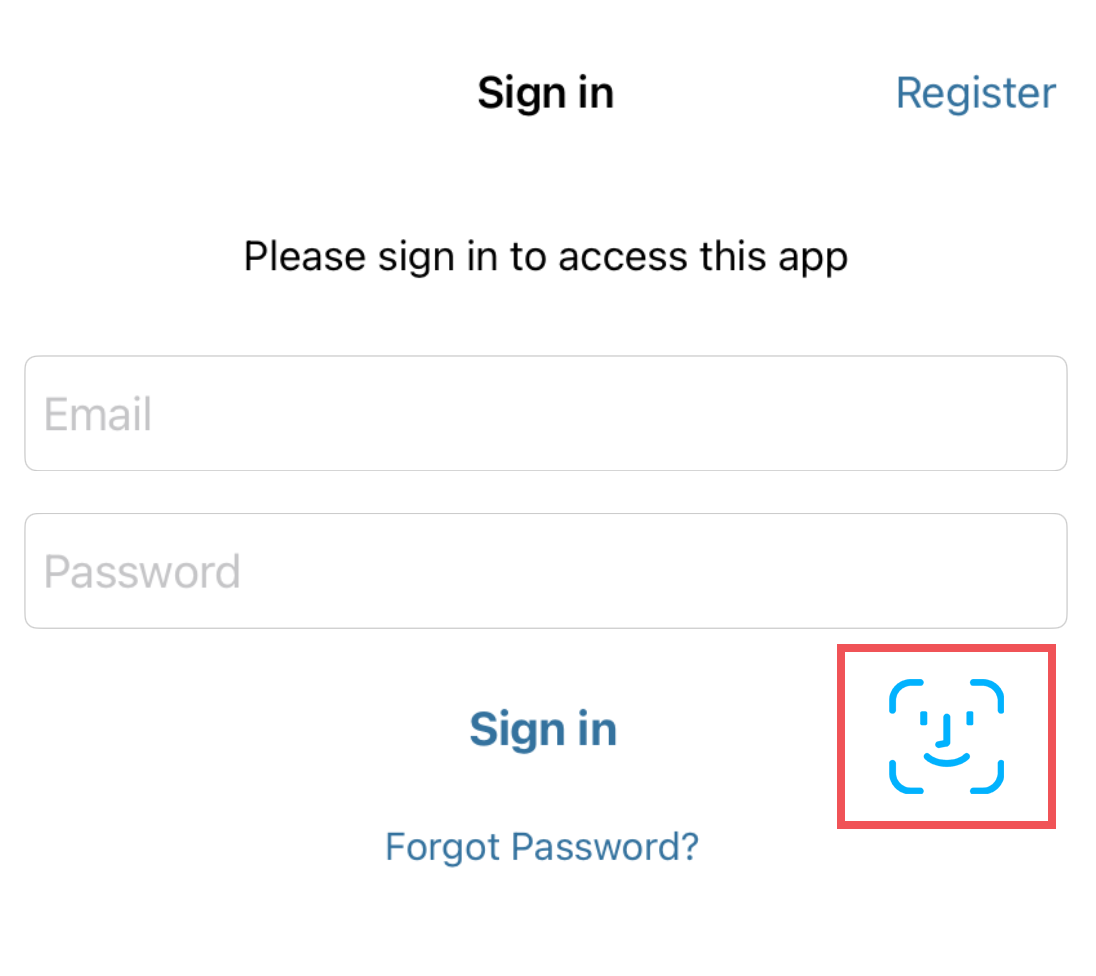
*Note: The first-time sign-in, right after the registration, requires your login credentials. With subsequent sign-ins, you’ll be able to use biometrics instead of the login credentials. If you reinstall the mobile app or have a new smartphone, you will need to use your login credentials one-time again to re-enable biometrics.